Safe Twitch Growth Practices: Protect Your Channel While You Scale

Streams on several platforms at once and tries every new thing: Kick, YouTube Live, multistreaming. Shares where it's easier to build an audience and how to combine platforms.
10 October 2026

Growth on Twitch takes time, and most streamers eventually look for ways to speed it up. The most reliable foundation is a set of habits that bring in real viewers while keeping your account secure. Safe Twitch growth practices cover a few areas: a schedule people can rely on, titles and tags that get noticed, a community, collaborations, clips, an active chat, solid account security, and an honest look at your own stats.
Here's how each piece works.
A Schedule Viewers Can Count On
Regulars form around streamers they know when to find. Three streams a week at fixed times usually beat daily streams at random hours.
- Publish your schedule on your channel and pin it on social media.
- Pick a pace you can keep. Two streams you always deliver are better than five you keep canceling.
- Announce changes. A quick post about a moved stream protects trust.
Titles, Tags, and Categories: How People Find You
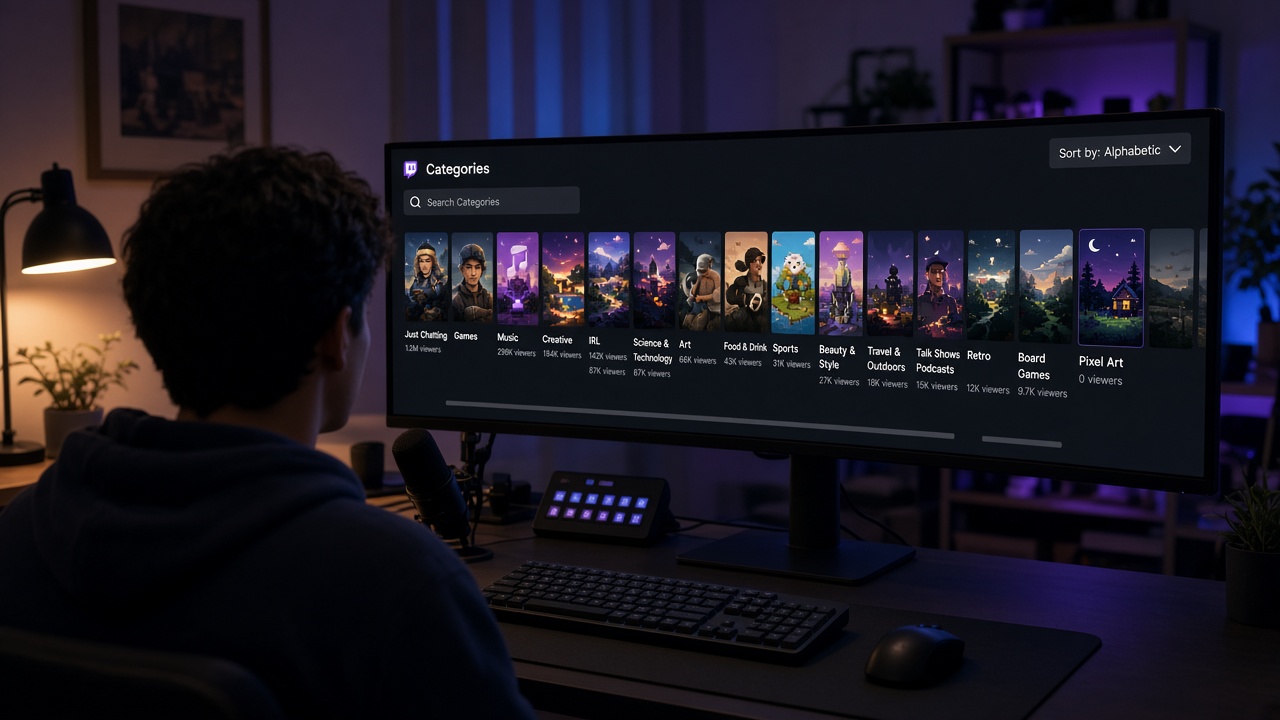
A new viewer sees your channel in the directory as a thumbnail, a title, and a few tags. That's enough for a click or a scroll.
- Make titles specific. "First blind run on hard, no guides" says more than "playing games."
- Use relevant tags. Language, format, and what makes the stream different help the right people find you.
- Match the category to your size. In a huge category a small channel sits at the bottom of the list. A smaller niche where you appear on the first screen often brings more clicks.
Community Between Streams
People come back to streamers they feel they know. A Discord server keeps the conversation going between broadcasts: stream announcements, clips, game talk. Viewers then show up already knowing each other, and chat warms up faster.
Start small, with one or two channels for chat and announcements. A quiet server with twenty sections looks emptier than a small, active one.
Raids and Collabs
Meeting another streamer's audience is one of the most natural ways to find new viewers.
- Raid channels of a similar size and theme. Viewers stick around where the content feels familiar.
- Set up joint streams. Co-op games, a shared talk show, or a friendly tournament between channels.
- Welcome incoming raids. Greet the new arrivals and tell them what's happening on screen.
Clips and Short Videos
Highlights outlive the stream itself. A short vertical clip with a strong first second shows people who've never heard of you what your channel feels like. Mark big moments while you're live so you don't have to rewatch the whole VOD later.
An Active Chat
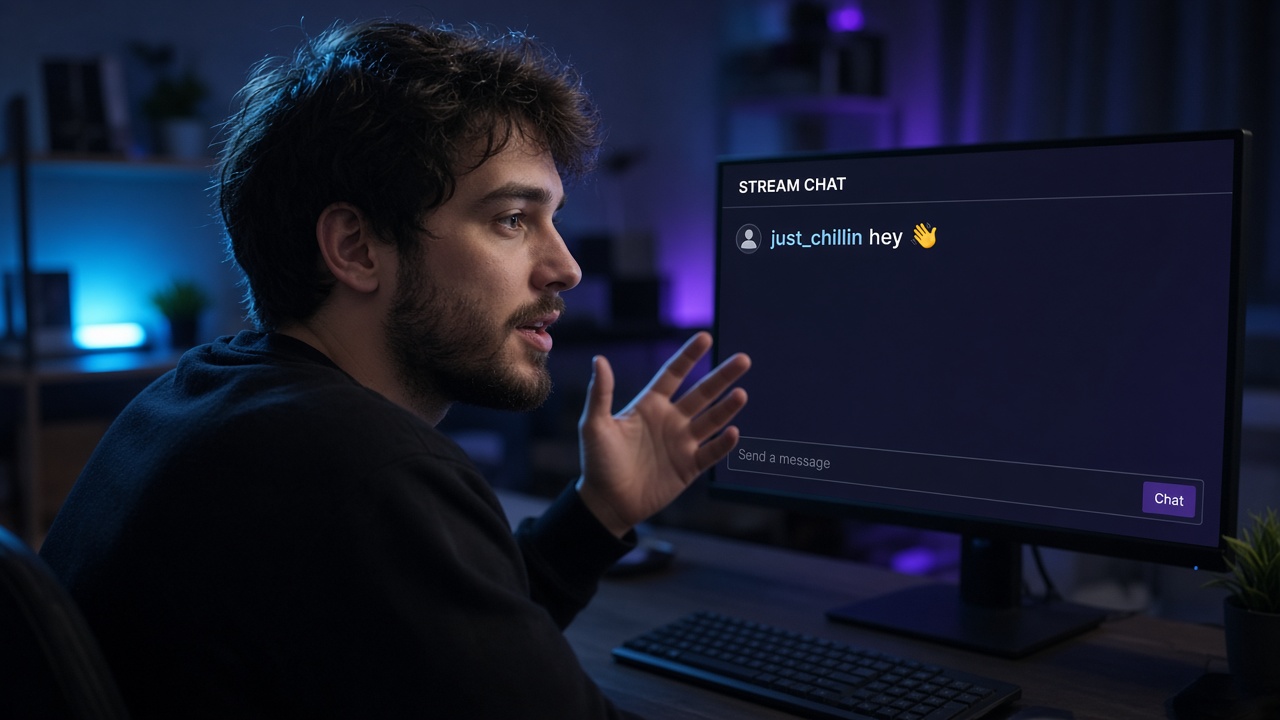
Newcomers stay longer when a conversation is already happening. Simple habits help: think out loud, ask questions with one-word answers, greet people by name, and keep chat visible on screen.
For the quiet stretches, BoostStream offers AI chat bots that answer commands and common questions, welcome newcomers, and start a topic when chat goes silent. A bot works best as a helper while you stay the main voice, so cap how often it posts.
Analytics Based on Your Own Data
Outside estimates and other channels' numbers say little about yours. The stream summary in your creator dashboard is far more useful: average viewers, watch time, new followers, and chat activity for every broadcast.
- Compare yourself with yourself. Week over week, not against a channel that has been live for five years.
- Look for patterns. Which days and titles bring more viewers? Where do people drop off?
- Change one thing at a time. Otherwise you won't know what worked.
Account Security
Careful promotion won't help if someone else gets into your account.
- Two-factor authentication. Turn it on in your security settings; it stops most takeover attempts.
- Your stream key. Anyone holding it can broadcast to your channel. Keep it off screen and reset it whenever in doubt.
- Connected apps. Every few months, remove access for services you no longer use.
- Fake sponsorship emails. A "brand deal" with a link to a partner portal or an attached "media kit" is a common way to steal logins. Check the sender's domain and don't open files from unexpected offers.
- A dedicated email for your Twitch account that you don't publish anywhere.
Community Guidelines as Your Reference Point
Twitch's Community Guidelines describe what the platform allows, from content and music to channel statistics. Reread them before trying a new stream format or connecting any third-party service.
Is buying Twitch viewers safe? It's a common question, and the most useful answer is broader than yes or no: check any tool against the platform's guidelines, and remember that numbers alone don't keep anyone watching. Viewers stay for the content, the conversation, and the atmosphere, so any tool only makes sense alongside regular streams and real interaction.
Two more habits protect the channel. Use music licensed for streaming, since VOD segments with protected tracks get muted. And set up Twitch's built-in chat moderation: AutoMod, email or phone verification, and Shield Mode for spam attacks.
How to Choose a Growth Tool
Whether you're looking at a promotion service, a chat bot, or any other tool, a few questions help you choose sensibly:
- Can you try it for free? A test shows more than any sales page.
- Is there a control panel? Pausing, extending, or stopping a service yourself beats waiting on a manager.
- Are guarantees written down? Look for refund or compensation terms if a service isn't fully delivered.
- Does it ask for your password? A legitimate tool never needs your account password.
- How fast is support? Send a question before paying and see how they respond.
Weekly Checklist
- Your schedule is posted and realistic.
- Every stream has a specific title and fitting tags.
- One raid or collab is planned.
- At least two clips are cut from the last stream.
- You've reviewed recent stream summaries and picked one change.
- Two-factor authentication is on, and the stream key never appears on screen.
- Chat moderation is set up, and any helper bot posts sparingly.
If you'd like to see how your stream feels with a small live audience, try BoostStream's free test: 10 viewers for 1 hour, no card required.